Book writing app
for iPhone and iPad.
Write a book in Werdsmith. Organize your chapters, build a writing habit and export your manuscript when you're ready.
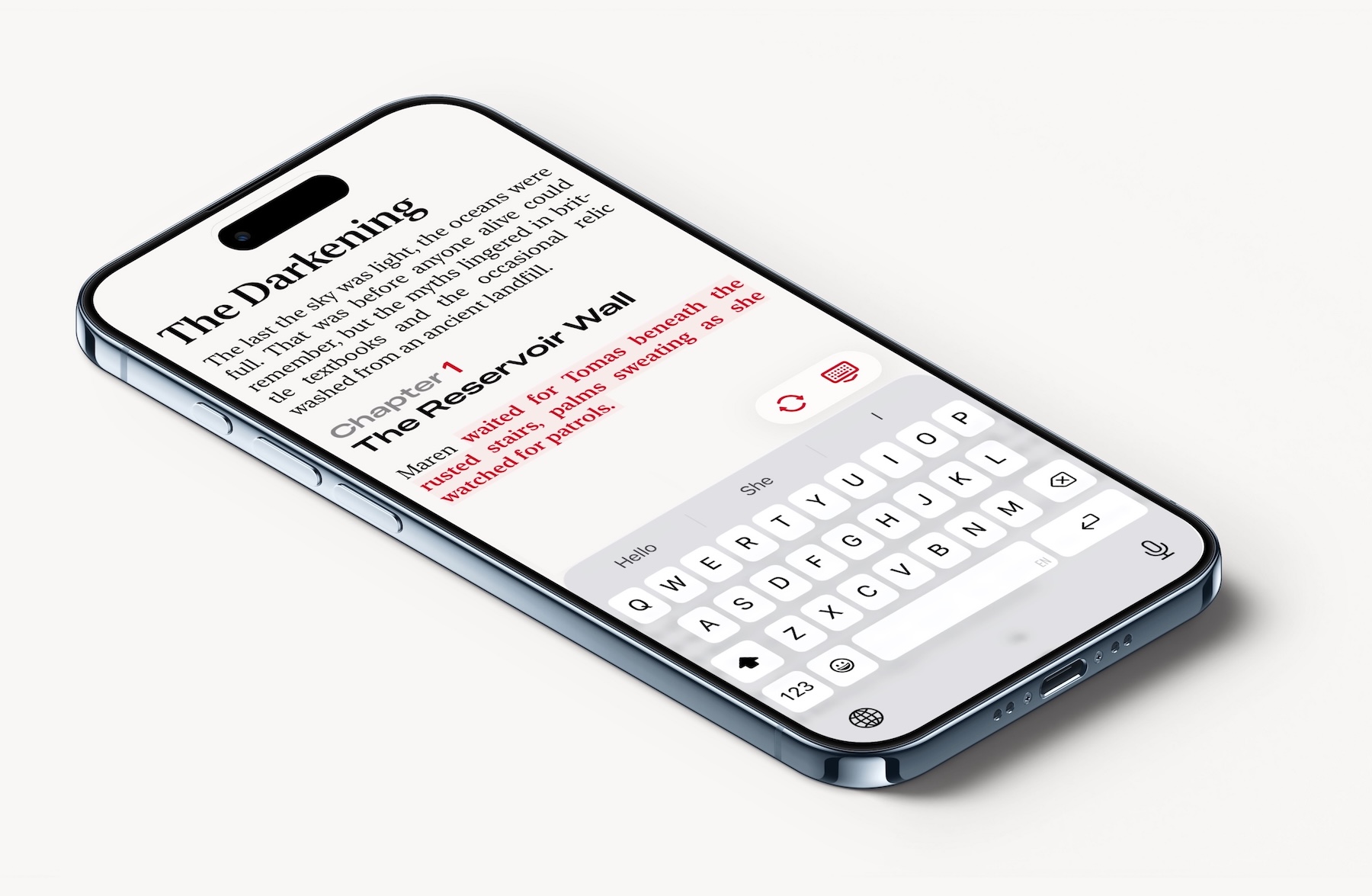
From your first idea to a finished draft.
-
Start with what you have.
Capture an idea, open a blank project or bring an existing draft into Werdsmith. You can import Word (.docx), RTF, Markdown and plain text files, then continue writing on your iPhone or iPad.
-
Give your book a structure.
In Novel mode, type a chapter heading and Werdsmith numbers your chapters and formats headings and prose for you. Jump between chapters and sections, and keep editing notes inside your draft.
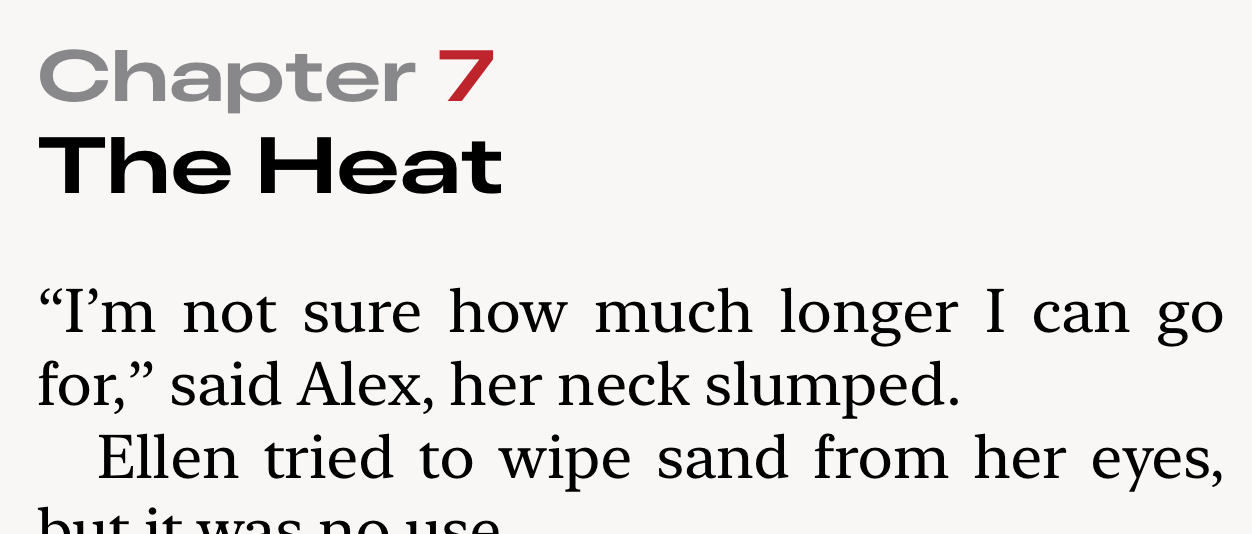
Chapter numbers and formatting update as you write. -
Keep coming back to your book.
Set a word goal for your manuscript and a daily writing target. See your progress as you write, and choose a reminder for a time that suits you.
-
Take your manuscript to the next stage.
Export an editable RTF document to continue in Microsoft Word, or create a PDF to read, print or share. You can also export your book as plain text.
A few things to know.
Can I write a book for free?
Yes. You can draft in the free Text mode and export your work. The free app has a limit on active Projects and Ideas. Membership adds unlimited active documents and Novel mode. You can try Novel mode in a temporary free preview.
Can I switch between iPhone and iPad?
Yes. Create a free Werdsmith account to back up your work and sync it between devices signed into the same account.
Can I keep working on a computer?
Werdsmith also runs on compatible Macs. You can export an editable RTF manuscript to continue in Microsoft Word on Mac or Windows.
Is my book private?
Your writing is private by default. You choose what you share.
Your book starts with the next page.
Download Werdsmith and start your first draft.
Download Werdsmith